What’s New at Katkuti: A Clearer Code Quest and Saved Drafts
Explore the latest Code Quest improvements: easier-to-use commands on small screens, clearer scrolling, and device-local coding drafts that can be cleared without losing achievements.
More room for the playground and code
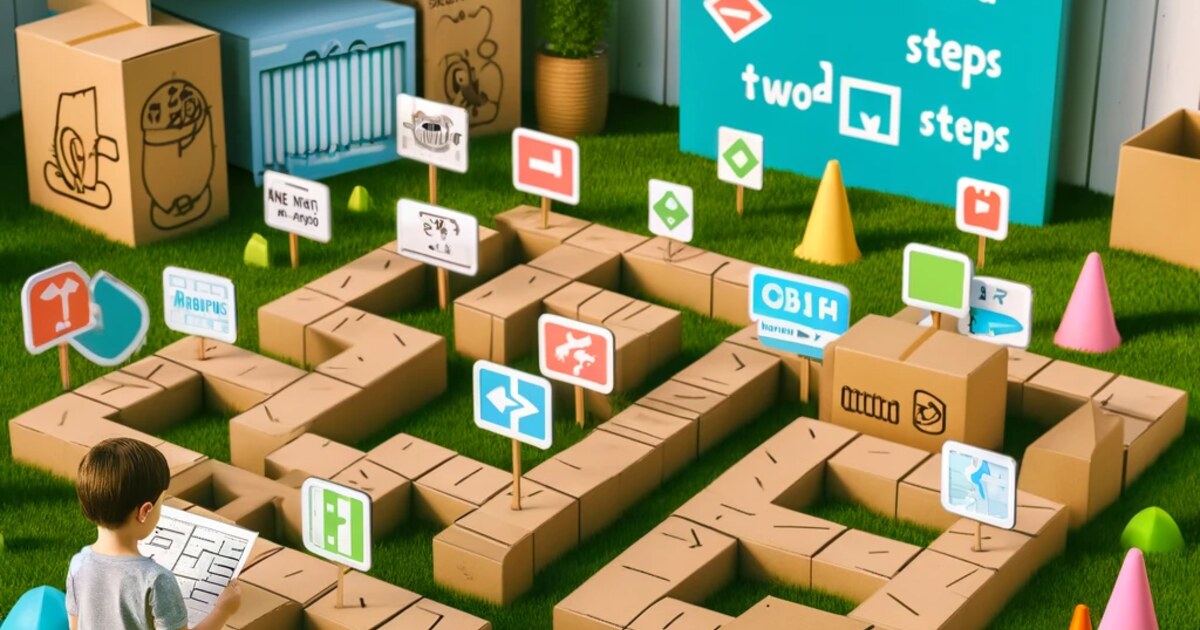
We’ve improved Code Quest so the playground stays in view as children work with their program and choose commands. On phones, command blocks are more compact, and the program and command list scroll independently.
When content overflows, clear scrollbars appear. Deeply nested commands can also be reached with a horizontal scrollbar. Scrollbars appear only when needed, and the desktop block styling stays as before.
- Smaller commands and a clearer view of the playground on phones.
- Independent scrolling for the board, program, and command list, with visible bars when needed.
- Device-local drafts you can resume or clear without losing stars and achievements.
Pick up a coding draft on the same device
The Playground and each mission keep their own draft on the current device, so children can return to their code and continue later. Drafts stay in the browser on that device; they are not attached to a child account or stored in the cloud.
If another tab saves different code for the same activity, the open program stays safe until the user explicitly chooses which version to keep.
Clear drafts without clearing achievements
Families can clear the saved coding drafts on this device without resetting unlocked missions, stars, or achievements. Start a fresh program when needed while keeping learning progress intact.
- A separate draft is kept for the Playground and each mission.
- Clearing drafts leaves achievements and unlocked missions intact.
- Choose which version to keep before replacing code from another tab.